Paper written – Maint Plan test to do

The follow up paper describing my recently completed preservation project, is now ready for submission to the Digital Preservation Coalition (DPC). I’m hoping that, since they published my paper describing how I derived the Preservation Planning Templates in the first place, they might be interested in taking a paper describing how they have been used in practice. We’ll see. In any case it’s good to have been able to create a summarised account of what happened while its fresh in my mind.

Writing the first draft of the paper only took about a week. However, that piece of work made me realise that the details of what got done when, appears in five main documents – the paper I was writing, the Scoping document, the Plan DESCRIPTION, the Plan CHART, and section 2 of the Preservation Maintenance Plan (Previous preservation actions taken); and that the base data for all these documents was being derived from the three major controls sheets – the DROID analysis spreadsheet, the Files-that-won’t-open spreadsheet, and the Physical Disks spreadsheet. Although the facts were roughly consistent across the documents, there were several anomalies that would be apparent to readers, and the sheer number of files and types of conversions that had been performed made it difficult to check and make revisions. I decided that the only way to achieve true consistency and traceability across all the documents would be to specify columns in the control spreadsheets for all the categories I wanted to describe, and to have the spreadsheets add up the counts automatically.  This is what I spent the following two weeks doing – and a very slow and tortuous exercise it was. Which is why the paper makes several mentions of the need to set up control sheets correctly in the first place to facilitate downstream needs for control and for statistical information about what’s been done….

I was given a lot of very useful feedback on the drafts of the paper by Ross Spencer, including suggestions to include a summary timeline for the project at the beginning of the paper, to provide more details about the DROID tool, and to include some additional references.  Ross also advised making it clear that this is a personal collection with preservation decisions being made that the owners were comfortable with; and that different decisions might have been made by other people from the perspective of who the future users of the Collection might be. This prompted me to include an extra paragraph in the Conclusions section to the effect that no attempt has been made to convert some files (such as old versions of the Indexing software, or a Visio stencil file) because they don’t have content and their mere presence in the collection tell their own story. However, it’s got me thinking that there is a wider point here about what collections are for, and just how much detail of the digital form needs to be preserved. I’ll probably explore this issue further in the Personal Document Management topic in this Blog.

Writing the paper also prompted me to realise that, unfortunately, my Digital Preservation Journey can’t be completed until I’ve tested out the application of a Preservation Maintenance Plan. It’s one thing to fill in a Maintenance Plan (which was relatively quick and easy), but quite another to have it initiate and direct a full blown Preservation project. Only by using it in practice will it be known if it is an effective and useful tool; and, no doubt, its use will lead to some refinements being made to its contents. I shall explore whether I could use the Maintenance Plans I produced for photos and for mementos which were created in the course of the trials conducted when putting together the first versions of the Preservation Planning Templates. If they won’t provide an adequate test, I’ll have to wait until the date specified in the PAWDOC Preservation Maintenance Plan for the next Maintenance exercise – September 2021.

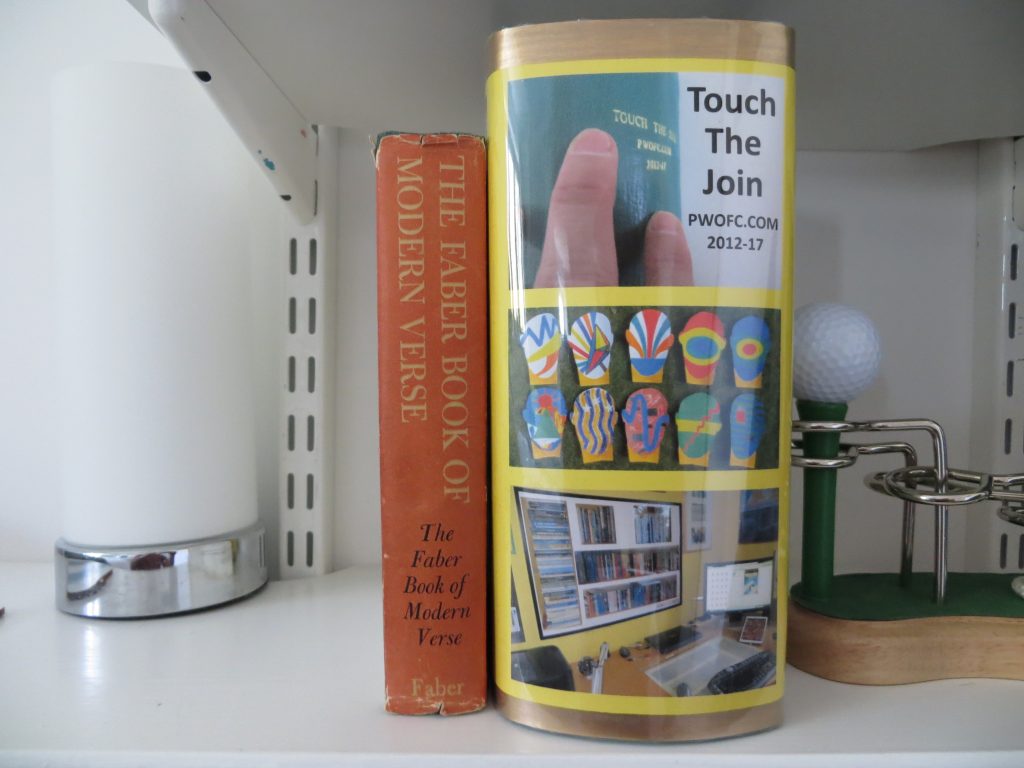
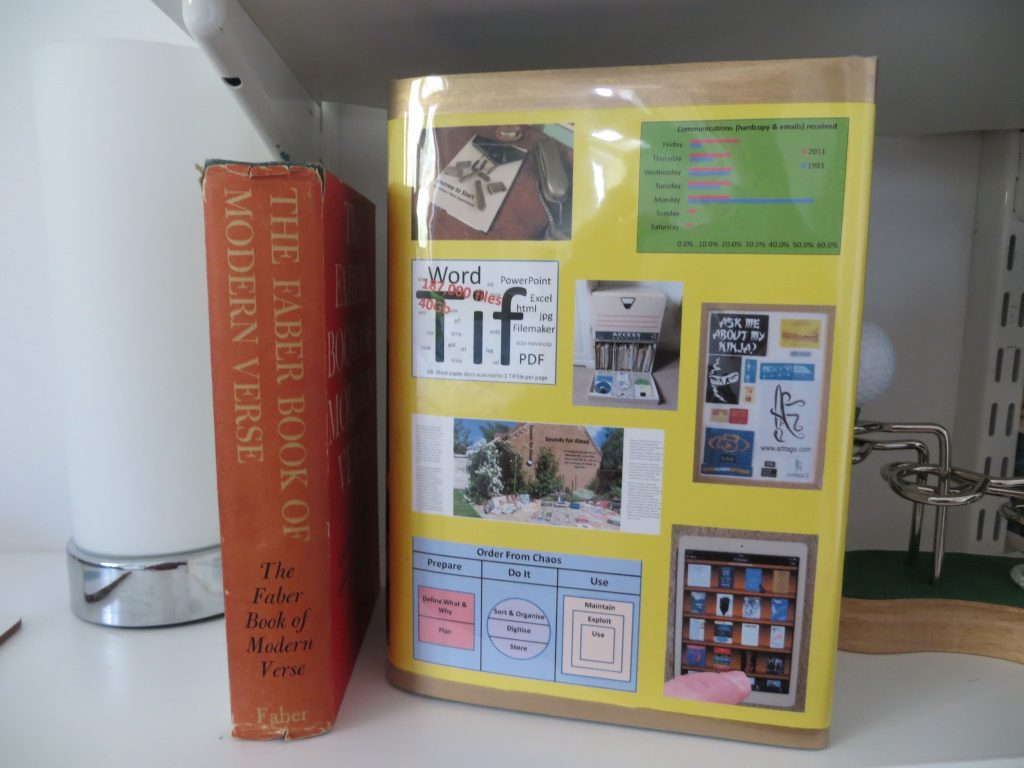
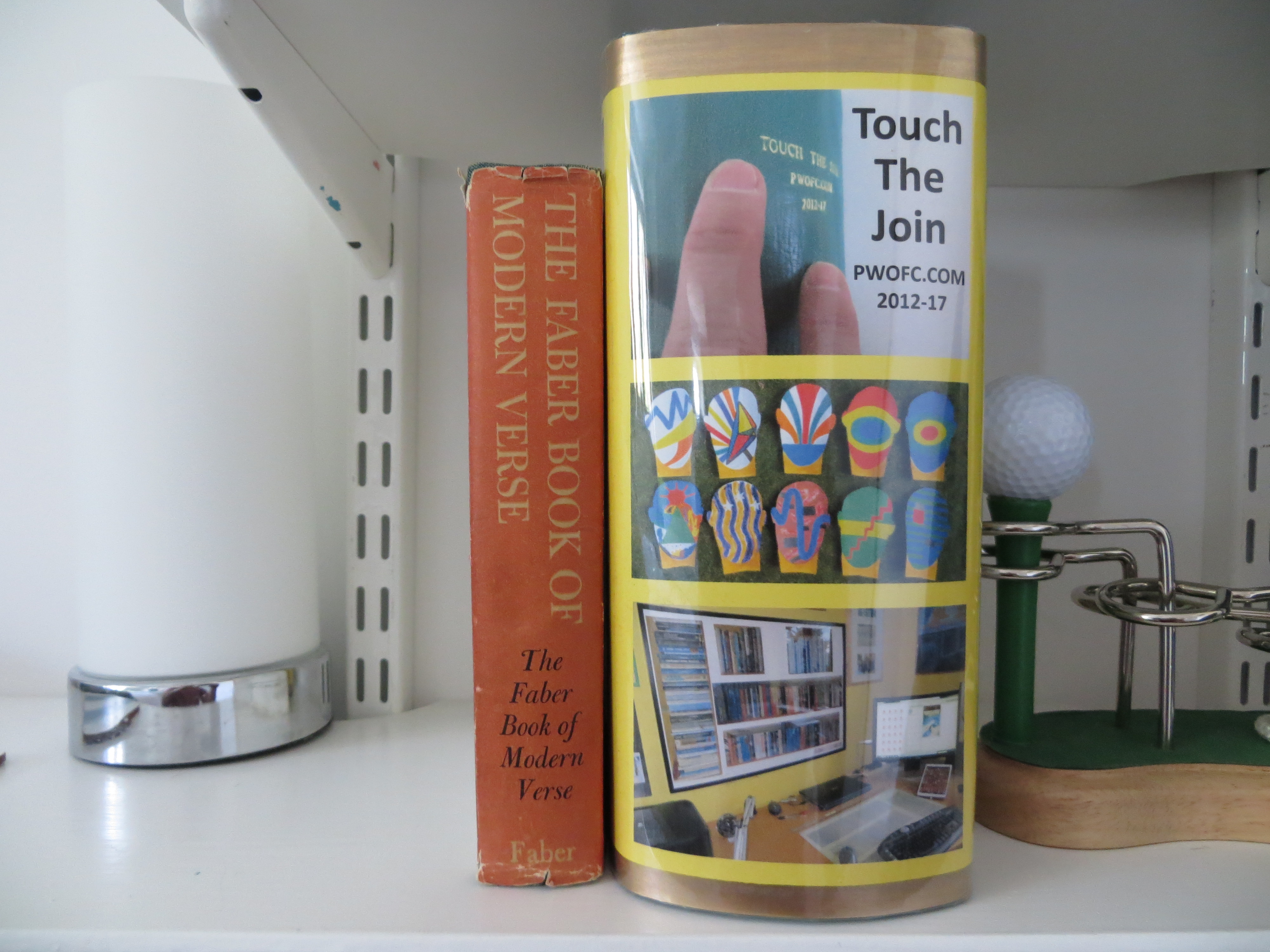
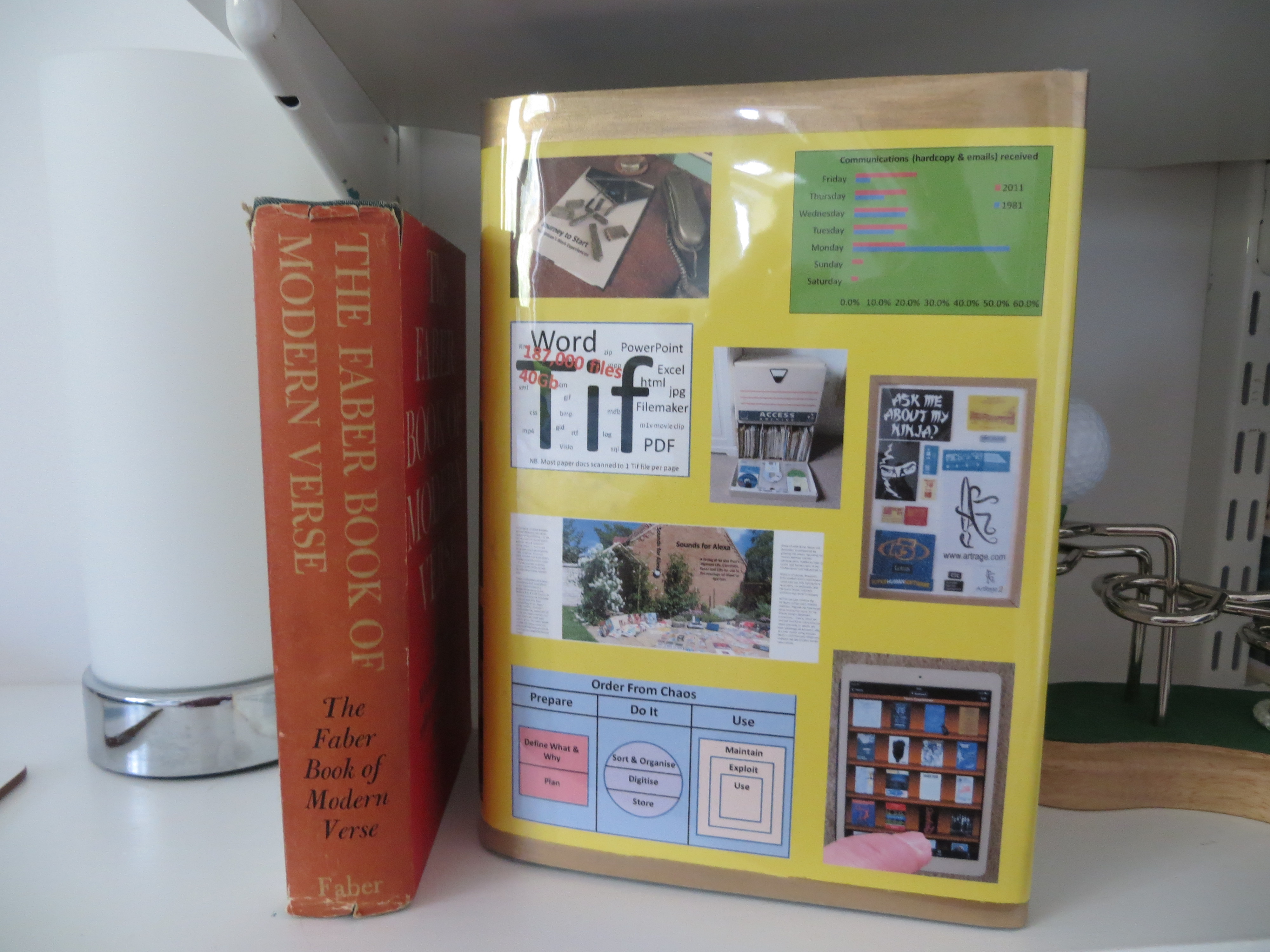
Just the Dust Jacket left to do

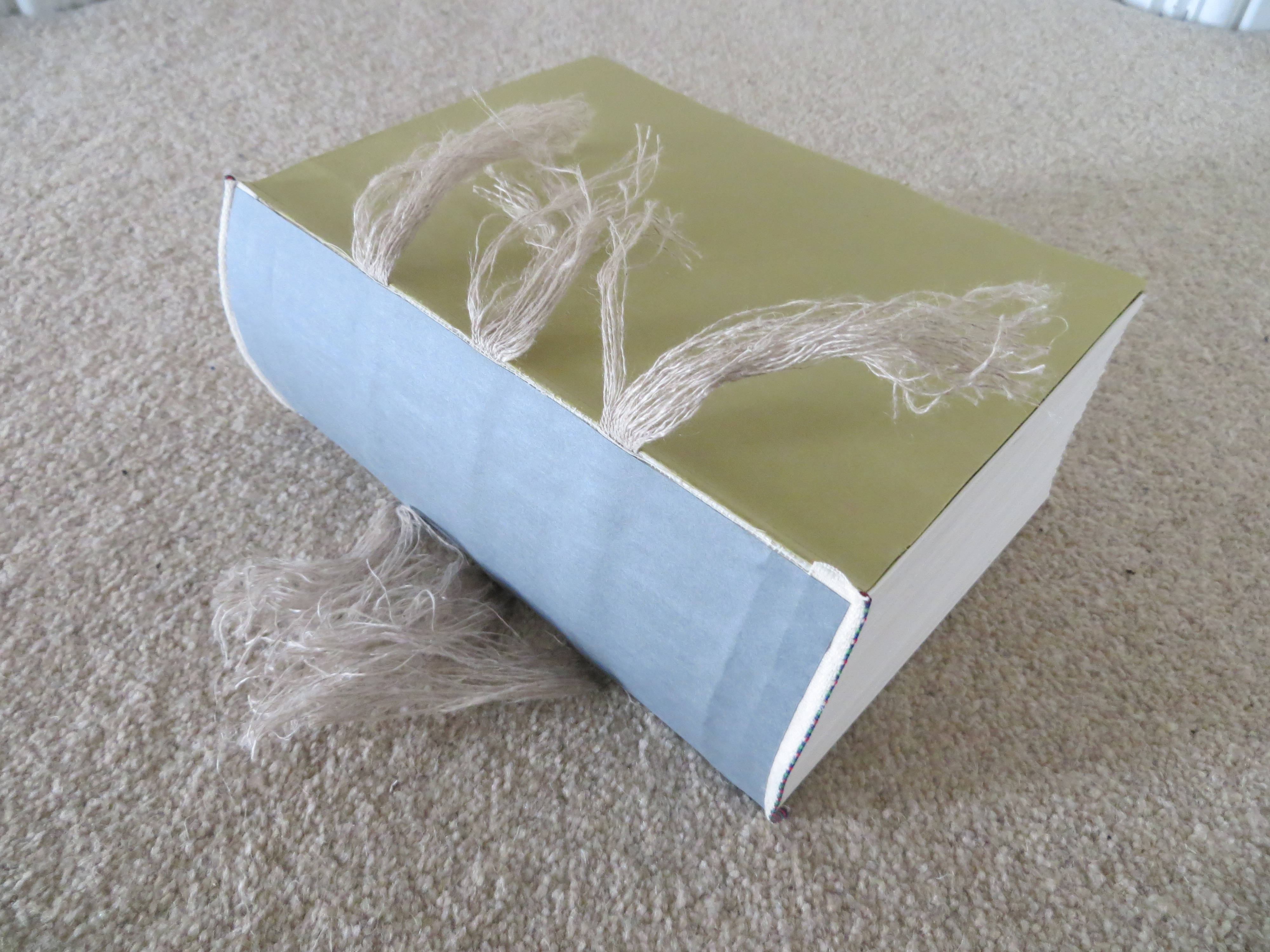
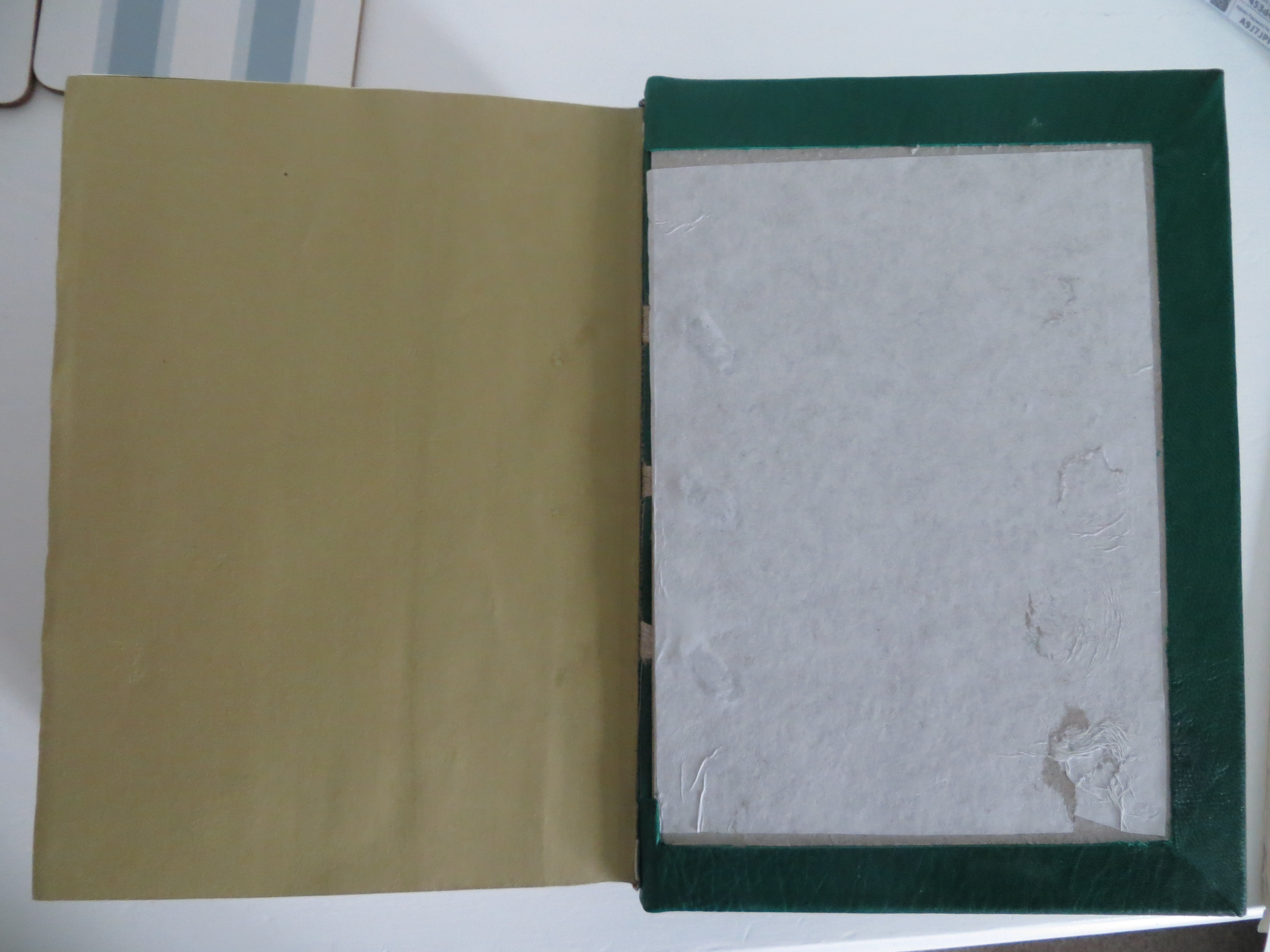
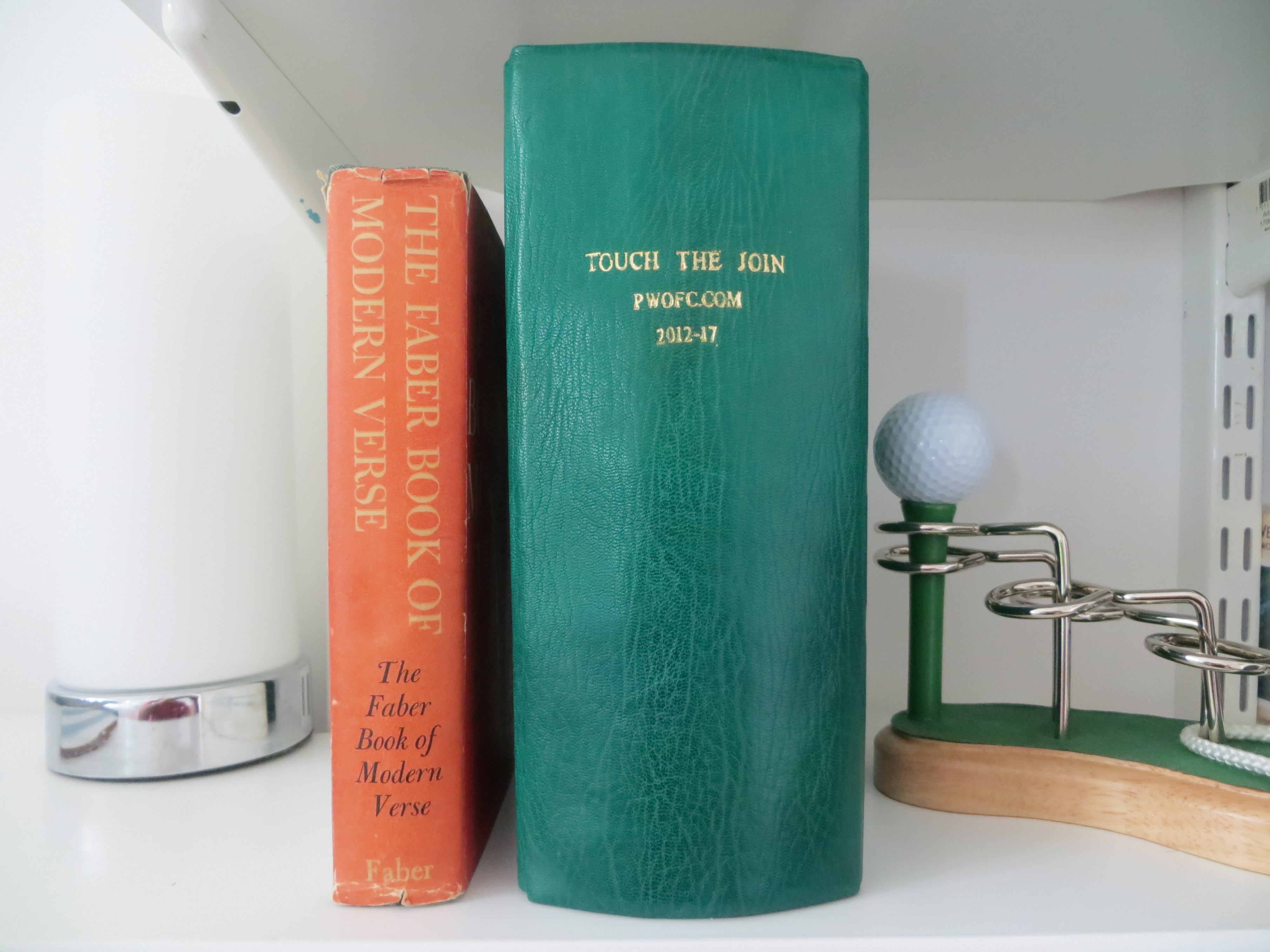
After about a dozen bookbinding classes, the 9cm stack of loose paper has been transformed into a tightly knit, disciplined, battalion of messengers. The metamorphosis involved 2-up stitching, attaching the end bands and hollow, securing the tapes to the boards, paring the leather and gluing it to the boards, and finally printing the gold lettered title on the spine. The photos below illustrate some of these intermediate stages.

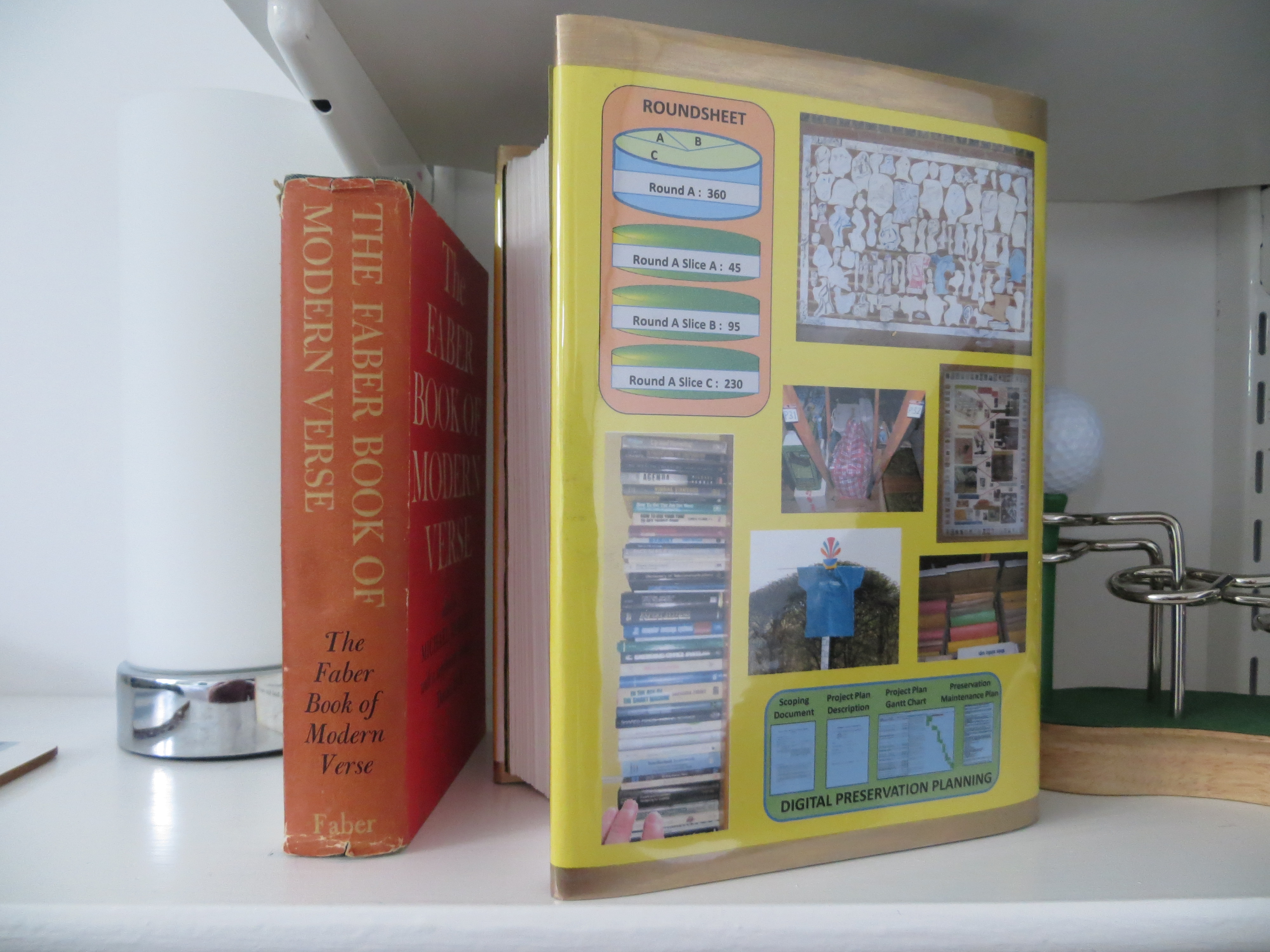
Aside from the small matter of gluing down the end papers, there only remains the dust jacket to create, print and fit – a blank canvas which I’m looking forward to designing. Several people in my bookbinding class can’t understand why anyone would want to put a cover on a nice leather bound book, but, for me, there are two good reasons for doing so: first, my bookshelves are full of brightly coloured and good condition dust jacket spines – I don’t think plain spines look good among the rest of the books; and, secondly, the ability to personalise a book with a dust jacket design and to include additional descriptive text on the inside sleeves is a great opportunity to explain my relationship to the artefact and what it means to me – particularly for books I have created myself.

PawdocDP Preservation Project Put to Bed

Last Thursday (03May) I completed the preservation project on my document collection – quite a relief to know that it is now in reasonably good shape for a few more years. To finish off this work I intend to write a follow up paper recounting how the processes and templates I developed in the earlier stages of this exercise, fared when applied to a substantial body of files. Looking back I see that I started this Preservation Planning topic nearly four years ago, so its been a long haul and very labour intensive – I’m looking forward to being able to move it to the Journeys Completed section of this blog so that I can concentrate again on more creative and exciting forays!

Disk, Reordering, and Maintenance Plan Insights

Although my last post reported that I’d got through the long slog of the conversion aspects of this preservation project, in fact there was still more slog of other sorts to go. A lot more slog in fact: there was the transfer of the contents of 126 cd/dvd disks to the laptop; and there was the reordering of pages in 881 files to rectify the page order produced by scanning all front sides first and then turning over the stack of pages to scan the reverse sides at a time in the 1990s when I didn’t have a double sided scanner. In fact this exercise involved yet more conversion (from multi-page TIF file to PDF) before the reordering could be done.

This latter task really took a huge amount of time and effort and was yet another reminder of how easy it is to specify tasks in a preservation project without really appreciating how much hard graft they will entail. Having said that, it’s worth noting that my PDF application – eCopy PDF Pro – had two functions which made this task a whole easier: first, the ability to have eCopy convert a file to PDF is available in the menu brought up by right clicking on any file, thereby automatically suggesting a file title (based on the title of the original file) for the new PDF in the Save As dialogue box, and which then automatically displays the newly created file – all of which is relatively quick and easy. Second, eCopy has a function whereby thumbnails of all the pages in a document can be displayed on the screen and each page can be dragged and dropped to a new position. I soon worked out that the front-sides-then-reverse-sides scan produces a standard order in which the last page in the file is actually page 2 of the document; and that if you drag that page to be the second page in the document, then the new last page will actually be page 4 of the document and can be dragged to just before the 4th page in the document. In effect, to reorder simply means progressively dragging the last page to before page 2 and then before page 4 and then before page 6 etc until the end of the file is reached. Both these functions (to be able to click on a file title to get it converted, and to drag and drop pages around a screenfull of thumbnails) are well worth looking for in a PDF application.

Regarding the disks, I was expecting to have trouble with some of the older ones since, during the scoping work, I had encountered a few which the laptop failed to recognise. I did try cleaning such disks with a cloth without much success. However, what did seem to work was to select ‘Computer’ on the left side of the Windows Explorer Window which displays the laptop’s own drive on the right side of the window together with the any external disks that are present. For some reason, disks which kept on whirring without seeming to be recognised, just appeared on this right side of the window. I don’t profess to understand why this was happening – but was just glad that, in the end, there was only one disk that I couldn’t get the machine to display and copy its contents.

I’m now in the much more relaxed final stages of the project, defining backup arrangements and creating the Maintenance Plan and User Guide documents. The construction of the Maintenance Plan has thrown up a couple of interesting points. First, since it requires a summary of what preservation actions have been completed and what preservation issues are to be addressed next time, it would have made life easier to construct the preservation working documents in such a way that the information for the Preservation Maintenance Plan is effectively pre-specified – an obvious point really but easy to overlook – and I did overlook it…. The second point is a more serious issue. The Maintenance Plan is designed to define a schedule of work to be undertaken every few years; its certainly not something I want to be doing very often – I’ve got other things I want to do with my time. However, some of the problem files I have specified in the ‘Possible future preservation issues’ section in the Maintenance Plan could really do with being addressed straight away – or at least sooner than 2021 when I have specified the next Maintenance exercise should be carried out. I guess this is a dilemma which has to be addressed on a case by case basis. In THIS case, I’ve decided to just leave the points as they are in the Maintenance Plan so that they don’t get forgotten; but to possibly take a look at a few of them in the shorter term if I feel motivated enough.

The Conversion Slog

I’m glad to say I’ve nearly finished the long slog through the file conversion aspects of this digital preservation project. After dealing with about 900 files I just have another 50 or so Powerpoints and a few Visios to get through. It’s been a salutary reminder of how easily large quantities of digital material could be lost simply because the sheer volume of files makes for a very daunting task to retrieve them.

Below are a few of the things I’ve learnt as I’ve been ploughing through the files.

Email .eml files: These are mail messages which opened up fine in Windows Live Mail when I did the scoping work for this project. Unfortunately, since then I’ve had a system crash and Live Mail was not loaded into my rebuilt machine; and Microsoft removed all Live Mail support and downloads at the end of 2017. On searching for a solution on the net, I found several suggestions to change the extension to .mht to get the message to open in a browser. This works well, but unfortunately the message header (From, To, Subject, Date) is not reproduced. I ended up downloading the Mozilla Thunderbird email application, opening each email in turn in it, taking screenshots of each screenfull of message and copying them into Powerpoint, saving each one as a JPG, and then inserting the JPGs for all the emails in a particular category into a PDF document. A bit tortuous and maybe there are better ways of doing it – but at least I ended up with the PDFs I was aiming for.

Word for Mac 3.0 files: These files did open in MS Word 2007 – but only as continuous streams of text without any formatting. After some experimentation, I discovered that doing a carriage return towards the end of the file magically re-instated most of the formatting – though some spurious text was left at the end of the file. I saved these as DOCX files.

Word for Mac 4.0 & 5.0 and Word for Windows 1.0 & 2.0: These documents all opened up OK in Word 2007. However, I found that in longer documents which had been structured as reports with contents list, the paging had got slightly out of sync so that headings, paragraphs and bullets were left orphaned on different pages. I converted such files to DOCX format in order to have the option to reinstate the correct format in the future. Files without pagination problems, or which I had been able to fix without too much effort, were all converted to PDF.

PDF-A-1b: I have previously elected to store my PDF files in the PDF-A-1b format (designed to facilitate the long term storage of documents). However, on using the conformance checker in my PDF application (e-Copy PDF Pro) I discovered that they possessed several non-conformancies; and, furthermore, the first use of e-Copy PDF Pro’s ‘FIX’ facility does not resolve all of them. I decided that trying to make each new PDF I created conform to PDF-A-1b would take up too much time and would jeopardise the project as a whole. So, I included the following statement in the Preservation Maintenance Plan that will be produced at the end of the project: “PDF files created in the previous digital preservation exercise were not conformant to the PDF-A-1b standard, and the eCopy PDF Pro ‘FIX’ facility was unable to rectify all of the non-conformances. Consideration needs to be given as to whether it is necessary to undertake work to ensure that all PDF files in the collection comply fully with the PDF-A-1b standard.

PowerPoint – for Mac 4.0. Presentation 4.0, and 97-2003: All of these failed to open with Powerpoint 2007, so I used Zamzar to convert them. Interestingly Zamzar wouldn’t convert to PPTX – only to Powerpoint 1997-2003 which I was subsequently able to open with Powerpoint 2007. So far, it has converted over 100 Powerpoints and failed with only four (two Mac 4.0 and two Presentation 4.0). The conversions have mostly been perfect with the small exception that, in some of the files, some of the slides include a spurious ‘Click to insert title’ text box. I can’t be sure that these have been inserted during the conversion process, but I think it unlikely that I would have left so many of them in place when preparing the slides. Zamzar’s overall Powerpoint conversion capability is very good – but I have experienced a couple of irritating characteristics: first, on several occassions it has sent me an email saying the conversion has been successful but then fails to provide the converted file implying that it wasn’t able to convert the file; and second, the download screen enables five or more files to be specified for conversion but if several files are included it only converts alternate files – the other files are reported to have been converted but no converted file is provided. This problem goes away if each file is specified on its own in its own download screen. The other small constraint is that the free service will only convert a maximum of 50 files in any 24 hour period – but that seems a fair limit for what is a really useful service (at the time of writing, the fee for the cheapest level of service was $9 a month).

UPDATED and ORIGINAL: I am including UPDATED in the file title of the latest version of a file, and ORIGINAL in earlier versions of the same file, because all files relating to a specific Reference No are stored in the same Windows Explorer Folder and users need to be able to pick out the correct preserved file to open. There will be only one UPDATED file – all earlier versions will have ORIGINAL in the file title. Another way of dealing with this issue of multiple file versions would be to remove all ORIGINAL versions to separate folders. However, this would make the earlier versions invisible and harder to get at, which may not be desirable. I believe this needs further thought – and the input of requirements from future users of the collection – before the best approach can be specified.

DOCX, PPTX and XSLX: When converting MS Office documents, unless I was converting to PDF, I elected to convert to the DOCX, PPTX and XLSX formats for two reasons – it is Microsoft’s future-facing format, and that – for the time being – it provides another way of distinguishing between files that have been UPDATED and those that haven’t.

Many of these experiences came as a surprise despite the amount of scoping work that was undertaken; and that is probably inevitable. To be able to nail down every aspect of each activity would take an inordinate amount of time. There will always be a trade off between time spent planning and the amount of certainty that can be built into a plan; and it will always be necessary to be pragmatic and flexible when executing a plan.

Box Set

I was a keen athlete when I was at school and collected a number of ‘how to’ booklets and training aids which are now quite precious to me – see below.

Unfortunately they are thin soft backs which flop around and have no space for spine titles, so they don’t sit very well on a bookshelf full of hardbacks. I needed some sort of container on which a title could be inscribed.

I asked at the bookbinding class that I go to, and was told I needed to make a Portfolio – apparently a common construction in the bookbinding world. A Portfolio is made in two parts: the outside piece which folds over so that, like the outside of a book, it provides a base, a spine and a front cover; and an inside envelope with flaps, which is glued onto the base of the outside piece.  The finished portfolio is shown below.

To this basic construction I decided to add a dust jacket which is attached to the portfolio by gluing the right hand flap of the dust jacket between the outside and inside pieces. The remainder of the dust jacket wraps around the portfolio such that the left hand flap goes inside the front cover.

As with the rugby book, I used the dust jacket flaps to write about my athletics endeavours; and I included copies of some memento documents on the rest of the jacket. However, I tried out a couple of new things on this dust jacket: first, I included several old photos and this seems to have worked very well – photos are easy to see and speak for themselves. Secondly, I put thumbnails of the Portfolio contents on the spine instead of a written title. This too has worked well and produces a colourful and interesting spine on the bookshelf.

In retrospect, I think I was too ambitious with the memento documents I included – the text is too small and indistinct to read easily as a result of wanting to display the whole of a memento page. Perhaps next time I put a jacket design together, I’ll explore just including selected parts of a page magnified to a level where it is very easy to read.

Relief

As reported in the Preservation Planning Journey in this Blog, my document collection has just been exported from the Document Management System (DMS) that it has been in for the last 22 years, and now resides in some 16,000 Windows folders. I feel a strong sense of relief that I will no longer have to nurture two complicated systems – the DMS and its underlying SQL database – in order to access the documents.

Over the years I have had to take special measures to ensure the survival of the collection through 5 changes of hardware, one laptop theft and a major system crash. This included:

  • trying to configure and maintain complex systems I had no in-depth knowledge of
  • paying out hundreds of pounds for extra specialist support (despite the software cost and most general support being very kindly provided free because this has always been a research-oriented exercise)
  • engaging with support staff over phone, email, screen sharing and in person for hundreds of hours to overcome problems (it starts to add up over 22 years…)
  • backing-up and protecting large amounts of data (40Gb total) regularly and reliably.

That’s not to say that DMSs are not worth using – they have characteristics which are essential for high usage, multi-user, systems in which regulatory and legal requirements must be met. However, such constraints don’t apply to the individual. The stark conclusion has to be that, for a Personal Information System, using a DMS was serious overkill.

I guess I’d already come to that conclusion back in 2012 when I set up a filing system for my non-work files using an Excel index and a single Windows Folder for all the documents. That has worked pretty well, however it’s slightly different from the way the newly converted work document collection is stored which has a separate Folder for each Ref No as shown below.

Experience so far with the Windows Folder system indicates that it is very easy and quick to find documents by scrolling through the Folders – quicker than it was using the DMS since there is no need to load an application and invoke a series of commands: Windows Explorer is immediately accessible. As for the process of adding new documents, that too seems much simpler and quicker than having to import files into a DMS, because it involves using the same Windows file system within which the digital files reside in the first place.

Its early days yet so it’ll be a while before I have an in-depth feel for how well other aspects of the system, such as backup requirements, are working; watch this space.

Retrospective Preservation Observations

Yesterday I reached a major milestone. I completed the conversion of the storage of my document collection from a Document Management System (DMS) to files in Windows Folders. It feels a huge release not to have the stress of maintaining two complicated systems – a DMS and the underlying SQL database – in order to access the documents.

From a preservation perspective, a stark conclusion has to be drawn from this particular experience: the collection started using a DMS some 22 years ago during which I have undergone 5 changes of hardware, one laptop theft and a major system crash. In order to keep the DMS and SQL Db going I have had to try and configure and maintain complex systems I had no in-depth knowledge of; engage with support staff over phone, email, screen sharing and in person for many, many hours to overcome problems; and backup and nurture large amounts of data regularly and reliably. If I had done nothing to the DMS and SQL Db over those years I would long ago have ceased to be able to access the files they contained. In contrast, if they had been in Windows folders I would still be able to access them. So, from a digital preservation perspective there can be no doubt that having the files in Windows Folders will be a hugely more durable solution.

When considering moving away from a DMS I was concerned it might be difficult to search for and find particular documents. I needn’t have worried. Over the last week or so I’ve done a huge amount of checking to ensure the export from the DMS into Windows Folders had been error free. This entailed constant searching of the 16,000 Windows Folders and I’ve found it surprisingly easy and quick to find what I need. The collection has an Index with each index entry having a Reference Number. There is a Folder for each Ref No within which there can be one or more separate files, as illustrated below.

Initially, I tried using the Windows Explorer search function to look for the Ref Nos, but I soon realised it was just as easy – and probably quicker – to scroll through the Folders to spot the Ref No I was looking for. The search function on the other hand will come in useful when searching for particular text strings within non-image documents such as Word and PDF – a facility built into Windows as standard.

I performed three main types of check to ensure the integrity of the converted collection: a check of the documents that the utility said it was unable to export; a check of the DMS files that remained after the export had finished (the utility deleted the DMS version of a file after it had exported it); and, finally, a check of all the Folder Ref Nos against the Ref Nos in the Index. These checks are described in more detail below.

Unable to export: The utility was unable to export only 13 of the 27,000 documents and most of these were due to missing files or missing pages of multi-page documents.

Remaining files: About 1400 files remained after the export had finished. About 1150 of  these were found to be duplicates with contents that were present in files that had been successfully exported. The duplications probably occurred in a variety of ways over the 22 year life of the DMS including human error in backing up and in moving files from off-line media to on-line media as Laptops started to acquire more storage. 70 of the files were used to recreate missing files or to augment or replace files that had been exported. Most of the rest were pages of blank or poor scans which I assume I had discovered and replaced at the point of scanning but which somehow had been retained in the system. I was unable to identify only 7 of the files.

Cross-check of Ref Nos in Index and Folders: This cross-check revealed the following problems with the exported material from the DMS:

  • 9 instances in which a DMS entry was created without an Index entry being created,
  • 9 cases in which incorrect Ref Nos had been created in the DMS,
  • 6 instances in which the final digit of a longer than usual Ref No had been omitted (eg. PAW-BIT-Nov2014-33-11-1148 was exported as PAW-BIT-Nov2014-33-11-114),
  • 3 cases in which documents had been marked as removed in the Index but not removed from the DMS,
  • 2 cases in which documents were missing from the DMS export.

It also revealed a number of problems and errors within the 17,000 index entries. These included 12 instances in which incorrect Filemaker Doc Refs had been created, and 6 cases in which duplicated Filemaker entries were identified.

The overall conclusion from this review of the integrity of the systems managing the document collection over some 37 years, is that a substantial amount of human error has crept in, unobtrusively, over the years. Experience tells me that this is not specific to this particular system, but a general characteristic of all systems which are manipulated in some way or other by humans. From a digital preservation standpoint this is a specific risk in its own right since, as time goes by, as memories fade, and as people come and go, the knowledge about how and why these errors were made just disappears making it harder to identify and rectify them.

Started and Exported

A week ago the Pawdoc DP project started in earnest after 14 months of Scoping work. The Project Plan DESCRIPTION document and associated Project Plan CHART define a 5 month period of work in 10 separate sections. The Scoping work proved to be extremely valuable in ensuring as far as possible that the tasks in the plan are doable and of a fixed size. No doubt there will be hiccups but they should be self contained within a specific area and not affect the viability of the whole project.

It took rather longer than anticipated to get the m-Hance utility to a position where it can be used to export the PAWDOC files – though I guess such delays are typical in these kinds of transactions. First there was an issue around payment caused by the m-Hance accounting system not being able to cope with a non-company which could not be credit checked. I paid up front and the utility was released to me once the payment had gone through the bank transfer system. After that there followed a period of testing and some adjustment using the export facility WITHOUT deletion in Fish. At that point I finalised the Plan and the Schedule and started work. However, although it was believed that the utility was working as it should, there followed a frustrating week during which its operation to export WITH delete (needed so that I could check any remaining files) kept producing exception reports and the m-Hance support staff produced modified versions of the utility. There’s an obvious reminder here that nothing can be assumed until you try it out and verify it. Anyway, all is well now and the export WITH delete completed successfully late last night. I decided against re-planning to accommodate the delays in running it in the belief that I can make up the time in the course of the three weeks planned to check the output from the export.

Taking Stock

I took stock of our Amazon Music services today. We have two Echo devices – one in our kitchen-diner and the other in our conservatory – which both have access to the full Amazon Music Unlimited library (apparently containing 40 million songs). For this we’re paying £9.99 a month. If we took out an Amazon Prime subscription at £79 a year, this fee would be reduced to £7.99 a month.

I had originally planned to subscribe to the Amazon Music Storage service so that we could download those albums that are not in Music Unlimited and listen to them directly through the Echos; but this service was discontinued last month. So, to listen to those albums through the Echos, we need to play them on our iPhones and connect the iPhones to the Echos using Bluetooth – quite easy to do but a little less convenient.

Given all this, I think we have reached an end point for the time being with the development of our music playing capabilities. We have access to all our music – but still don’t seem to listen to it that much. I make occasional use of the ‘Sounds for Alexa’ book – and, indeed, have enjoyed listening to some of the new albums I picked out when I was reading the Guardian music reviews and which were included in the book. I have the Music Unlimited app on my laptop which provides lots of info about the latest music, but I haven’t really made any use of that yet; and I only occasionally hear some music on the radio in the car and then ask Alexa to play it on the Echo.

Perhaps the greatest use we’ve made of the Echo is when we had family round over the Christmas period, and people enjoyed the novelty of asking it to play their favourite songs. Apparently this is a fairly typical scenario, though it is not everybody’s cup of tea; at least one of our family positively dislikes Alexa because it just takes over the proceedings with an Alexa-fest of constant calling out, song playing, crazy question asking, and the placement of risque items on our Alexa shopping list.

Apart from music, the ability to play radio stations is definitely useful. However we have had less success with asking Alexa general questions such as sports scores: quite often Alexa doesn’t understand what we’re saying, or we fail to phrase the question in a way that Alexa can home in on the answer.  Another interesting phenomenon is that occasionally Alexa thinks we have mentioned her name when actually we’ve been saying something completely different; she suddenly pipes up out of the blue, and we have to issue a curt ‘Alexa Stop!’ to quiet her down.

No doubt Alexa’s voice recognition will improve over time; and maybe we’ll start to use the additional services that Alexa is providing now (such as links to the phone) and that she will, no doubt, be providing in the future. But, as far as our music playing capabilities go, we feel we’ve  done as much as we need to for the time being, so this journey is at an end.