An initial memento experiment

Ideally, to start this journey I would explore the research on mementos and the experiences of those who manage large collections of similar objects (such as museums, foundations etc). I do intend to do both those things. However, I have an immediate need to do something with my retirement cards and messages, so I shall use them as the topic for an initial practical experiment which will focus on the following two questions:

  1. What do I want to achieve?
  2. What do I do with the physical objects?

To answer the first question, I plan to try out a structured approach in which I will consider what I want with these mementos both within my lifetime, and after death. In both cases I will specify one or more desires, the people who each desire applies to and the period over which the desire should extend. The notion is that getting a more insightful answer to the first question will help to get a better answer to the second question.

Memento problems and opportunities

I believe many people keep mementos, probably to remind them of the experiences they have had. However, most of those people eventually have to face the question ‘do I really want to keep this thing that is taking up space and which in any case isn’t such a potent keepsake as it once was?’. On a small scale – one or two items – it’s not a big deal. However, the more mementos you keep and the older they  get, the question takes on more significance. Accompanying the storage problem is the question of accessibility. Presumably, the reason people keep mementos is to be reminded of the experiences they represent. However, just keeping something in a cupboard and coming across it every few years may not be the best way of achieving that.  This is a journey to discover how digitisation can help to make mementos more accessible and easier to store.

Digitising 30 years worth of BIT

For very many years subscribing to Journals meant accumulating large numbers of weighty and space consuming hardcopy editions. Nowadays, the move away from hardcopy journals is well underway. Nevertheless those of us who still have large sets of such documents still have the problem of dealing with them. So, I’ve decided to take the plunge and digitise my hardcopy collection of 30 years worth of the journal “Behaviour and Information technology” (BIT), and to switch to looking at new issues on screen rather than in hardcopy.

I do currently have a combined hardcopy and online subscription to BIT taken out through my professional association, the Institute of Ergonomics and Human Factors (IEHF). So, as a first step I checked out the online site (www.tandfonline.com) and discovered that I can download all the individual papers in every volume of the journal since 1996 – provided they are for my own personal use (publishers are very edgy about journal piracy). Earlier volumes, from the journal’s inception in 1980 through to 1995, are apparently not available to me under my current subscription through the IEHF. I’ve queried this with the publisher, Taylor & Francis, and await their response. In the meantime, however, I’m going to download all those papers from 1996 onwards for which I have made an entry in my filing index. Since my index entries are linked to the relevant electronic files within my document management system, I will then have immediate access to the papers concerned after I have disposed of the hardcopy journals. Although downloading files is a whole lot easier than scanning the hardcopy pages, it still won’t be a quick job: I have references to 698 BIT papers in my index….

Finished!

Well, it’s finished! Although things went broadly to plan there were inevitably some pragmatic decisions that had to be made along the way – including filling an empty space that I hadn’t anticipated between the car and the area above the top of the barriers. In fact, it was a classic piece of serendipity which prompted me to include the logos of the companies I have worked for and a thumbnail of a retirement card saying ‘Don’t think of it as retirement’ – all excellent additions to round off the picture.

The whole process has been very instructive. I now know just how long it takes to plan and put together a coherent piece of art; and just how much skill there is in mixing paints and applying it with brushes. As for actually creating recognisable pictures of things in paint – well, I am in awe of those who are good at it. I am not, and my decision to stick to collage and broad swathes of paint was certainly the right one. The result is at least presentable and recognisable, and I have enjoyed the experience of turning a vision of an image into reality. Perhaps I will be moved to do others in the future.

As to whether the final result is what I wanted and as good as I would like – well the answer has to be, not quite. There are lots of aspects that could have been better – the outline of the vortex, the shape of the yellow leakage from the top, the too-uniform set of loose rocks below the car, the pattern around the edge – all these perhaps could be better. But most things can always be better, and these days I lean more towards completing than perfecting on the sea-saw of project choices. Anyway, judge for yourself.

Time to start on the real thing

The photo prints of the images I need all arrived early last week, and I finished trying the paints and trial sketches yesterday. So, all is now ready – I must take the plunge and actually start assembling and producing the painting!! I’ve realised that doing some things before others will have a significant effect both in terms of getting things in exactly the right positions and in getting the desired colour paint to appear on top of any adjacent colour. Consequently I’ve decided on the following order of work:

  1. Glue on the article
  2. Cut the road print to the right shape including any parts where the lava breaks through.
  3. Glue the road print
  4. Paint the background for the pictures at the top
  5. Cut the tie barriers to the right shape (including where the vortex comes through
  6. Glue on the barriers
  7. Paint the base layer of the edging
  8. Paint the black parts of the lava
  9. Cut and position the road surface and flying gravel and road foundations vis-a-vis the car
  10. Paint the orange and red of the lava including the blow out
  11. Paint the vortex
  12. Stick in the pictures above the barrier
  13. Stick in the car and flying road surface and gravel
  14. Paint the yellow in the lava
  15. Paint the design on the edging

So that’s it! There’s no more trying things out and prevarication on designs etc. It’s time to start work on the real thing and just do the best I can. What will be will be!

Where am I up to?

Over the last few weeks I’ve worked on the car and tie photos I took a few weeks ago, but my time has been largely taken up with the Wiseman element of our photo collection. However, having completed that yesterday, I decided that today I’ll assess the state of each element in the painting and what needs to happen to each of them. This is the result:

Element Current State Work to be done What to do next
The edging around the canvas Thoughts about its width (about 1 or 2 cm) and its composition (probably a repeating kind of design for which I’ll take a look at some of my doodles from 30 years ago). This will be done freehand in Acrylics. Try out some designs in pencil and then try doing them in acrylics. Rough out the designs in pencil on the canvas. Rough out the designs and widths.
The Guardian article Cut and ready to be used Assess if the left and right edges should wrap around the edge of the canvas or be cut off. Figure out how best to stick it to the canvas. See what happens when acrylics are painted onto newspaper. Try out gluing under newspaper and then painting over that bit with acrylic paint.
The simmering lava under the road Very rough sketch Figure out what the interface between the lava and the road picture will look like. Do a more detailed rough sketch and then try out painting it in acrylics. Design the interface and do a more detailed sketch.
The vortex Very rough sketch Decide on its exact position and size and what its shape will be at the top. Do a more detailed rough sketch Decide its position and size.
The car Image obtained which can be resized as required Decide what parts of the road surface are to be shown under the car wheels and what they will look like. Work on the road surface material that will be shown under the wheels.
The road scene Image obtained Decide exactly where the vortex will be placed in the image, and the material on which the image will be reproduced for use in the painting Get the image produced ready for use in the painting
The Barrier Draft tie image obtained Probably needs a black background. Needs to be expanded to cover the width of the painting. Decide the material on which the image will be reproduced for use in the painting. Design the interface between the vortex and the barrier. Complete the image with an appropriate background
  The better place Some pictures assembled for use in the better place Finalise the pictures to be used and design their layout Rough out the design of the better place deciding on the rough size and position of each of the pictures to be used.

Back to the Canvas

The Olympics and some major house and garden jobs have diverted my attention for the last two months, but today I started working on the painting again. I’ve sketched out its overall structure and am clear about each of the main areas and their contents. I also photographed some of the elements including my car with me leaning out of the drivers’ window, mouth agog as I’m shot up in the vortex to a better place at the top of the picture. For these shots I stiffened my resolve and put on a shirt and tie for the first time for quite a while. Those uncomfortable and constraining ties were also the key component of some other photos. Laid out on the floor and arranged as a grid of squares, these will comprise the barrier separating the commuting area from the better place above it.

Indexing Photo Collections

The primary purpose of indexing photos is to be able to find them again. This can be achieved with minimal effort using a software application such as Photoshop Elements. Each photo can be tagged with keywords and date; and selected instances of faces can be identified such that the application is then able to pick out all photos in which that face appears.

However, just relying on a software application has the following disadvantages and shortcomings:

  • You’re locked into the software and the need to upgrade it when old versions go out of support and when you upgrade your computer/operating system to a version which doesn’t support the version of the software that you currently possess.
  • If a photo is moved out of the application for whatever reason, there is only the information in the file name and file properties to identify the photo and its contents.
  • Any additional information you wish to hold about a set of photos has to be shoehorned into any available aspects of the software application and digital file properties of each photo, despite them not being designed for that purpose.
  • There is usually insufficient support for the process of organising and digitising a large set of old photos.

To overcome the problems outlined above, I have taken the following approach:

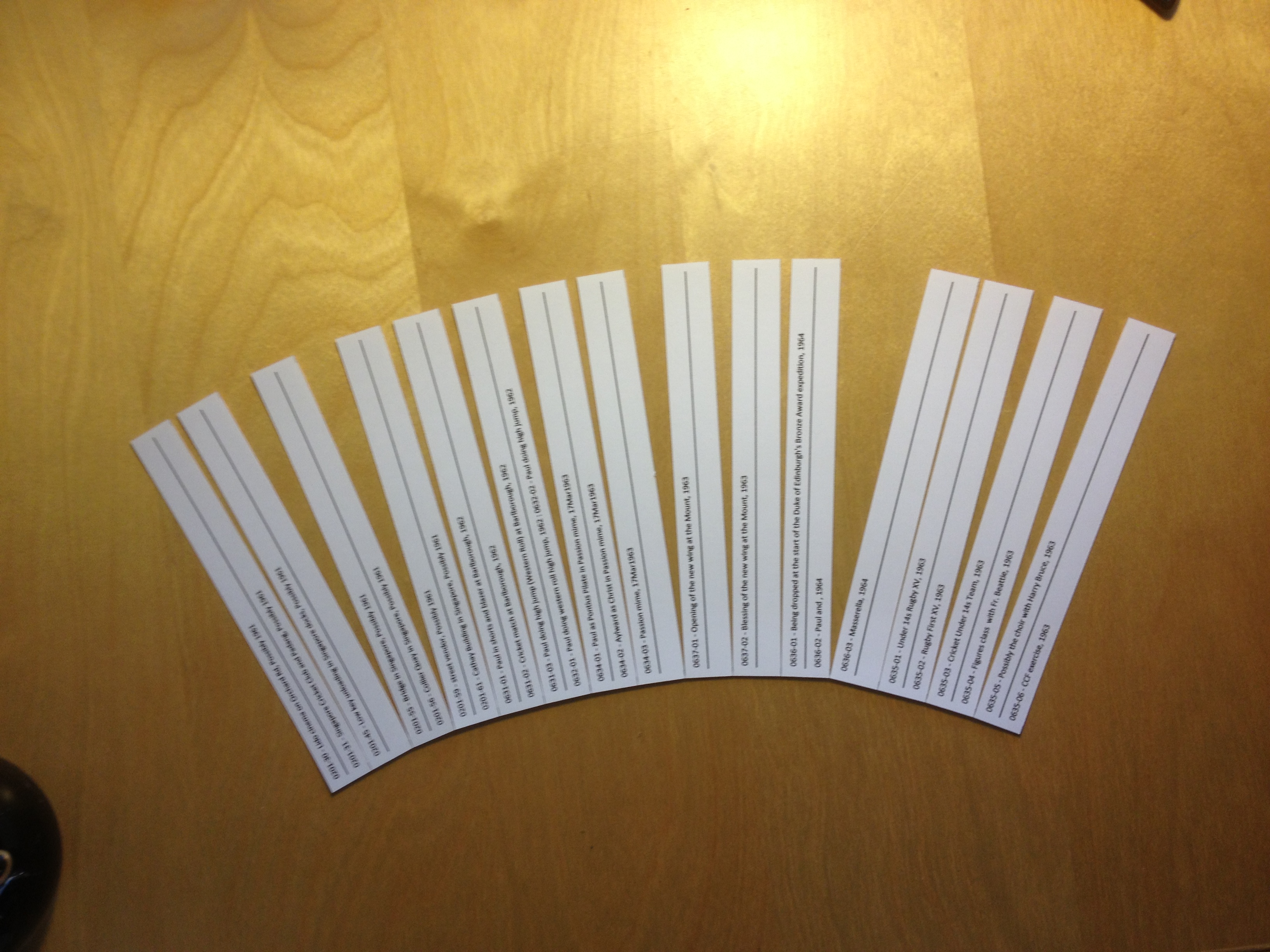
  1. Create an index list in Excel in which a set of photos  (for example a roll of 35mm photos) is allocated a sequential serial number. Serial numbers are included on each package containing negatives and/or photos.
  2. Each photo within a set is given its own unique number, for example, if set Number 72 is “Holiday in Crete, 1982” then the first photo in the set would be 72-1, the second 72-2 etc.. These unique numbers are written on the rear of the physical photo, and in the file name of the digitised version together with a short description of the photo’s contents, for example, “72-1 – View from the villa in Crete, Aug1982”
  3. For each entry in the Excel index, an unlimited selection of information can be recorded about the set in question. I currently record the following:
    • Set number
    • Title
    • Type (can include 110, 120, 126, 127, 127, 35mm, APS, Digital, Digital Movie, Disc Film, Ektachrome Slides, No Negs, Polaroid, Slides, Super 8 Movie, VHS Video)
    • Length (for videos) (hours, minutes, seconds)
    • Number of photos in the set (for still photos)
    • Number on media (any control numbers on the negatives etc.)
    • Year on Media (any year info contained on the negatives)
    • Month on media (any month info contained on the negatives)
    • Day on media (any day info contained on the negatives)
    • Start year (the year in which the first shot  in the set was taken)
    • Status (can include Created digitally, Digitised by shop, Not yet digitised, Scanned by X, To be developed)
    • File type (can include TIF, JPG)
    • Hue (can include B&W, Colour)
    • In PC (Yes, Not yet, No) i.e. specifies whether a digital version is stored in the PC)
    • In Album (Not yet, Yes, Some, Most, No) i.e. specifies if the photos in the set are included in the physical album
    • Album 1 (the name of the first physical album the photos have been included in)
    • Album 2 (should the set have been split across two albums, or should particular photos have been included in more than one album, then this entry will specify the name of the second physical album)
    • Photographer
    • Comments
  4. Once indexing and digitisation have been completed, the physical photos (numbered on the back) can be included in a physical album, and negatives (in numbered packages) can be put away for safe keeping.
  5. For the digital collection, a folder is created for each set with the folder title containing the set number, a short version of the title and the year, for example, “072 – Holiday in Crete, 1982”. The individual digitised photo/movie files are placed within the appropriate folders.

The rigour engendered  by such an indexing approach provides a solid basis on which to start organising a collection of photos – particularly collections containing many types of photos amassed over the years. Once the photos and movies have been indexed, labelled and digitised, they can be stored and managed in a wide variety of ways – including importing them into specialist applications. The challenge after that is to index new photos/movies regularly enough so as not to build up an overwhelming backlog.

Collage and Canvas

A bit of preparatory sketching has confirmed what I knew already – my current drawing skills are rubbish and it would take a lot more time than I’m going to spend on this painting to improve them. However, I know I can do collage, so that’s how I’m going to construct most of this painting. I’ll use some acrylic paint, but only for the large blocks of colour.

Having made that decision, I’m much encouraged. The paper version of the Guardian article dictates the width of the painting so I have purchased a canvas of 14 x18 inches (356 x 457mm); and I’ve acquired the road scene from a Google street view of part of the commuter route I used to travel. Now I’m working on how to represent my car being blown upwards to the space at the top of the canvas.