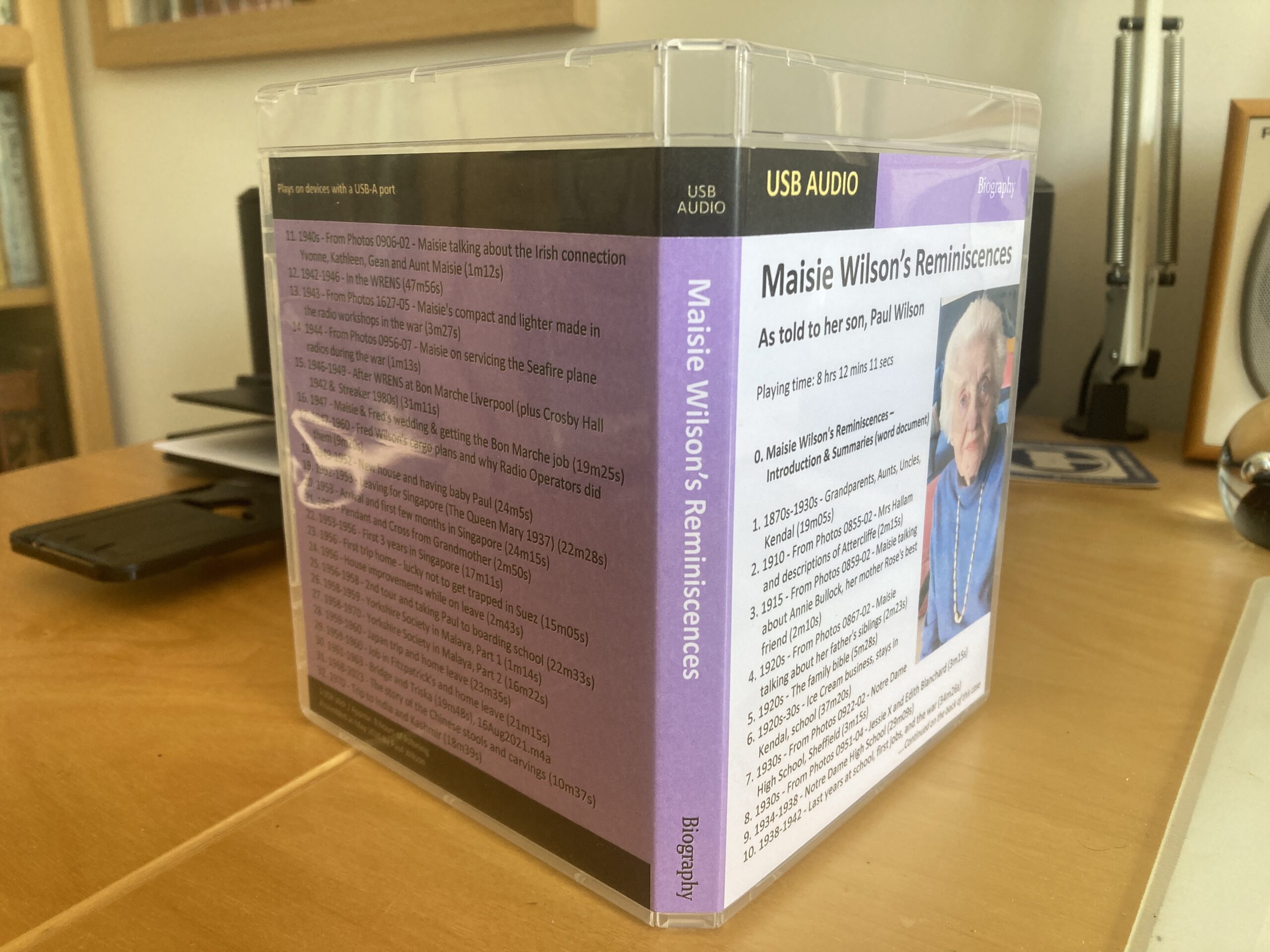
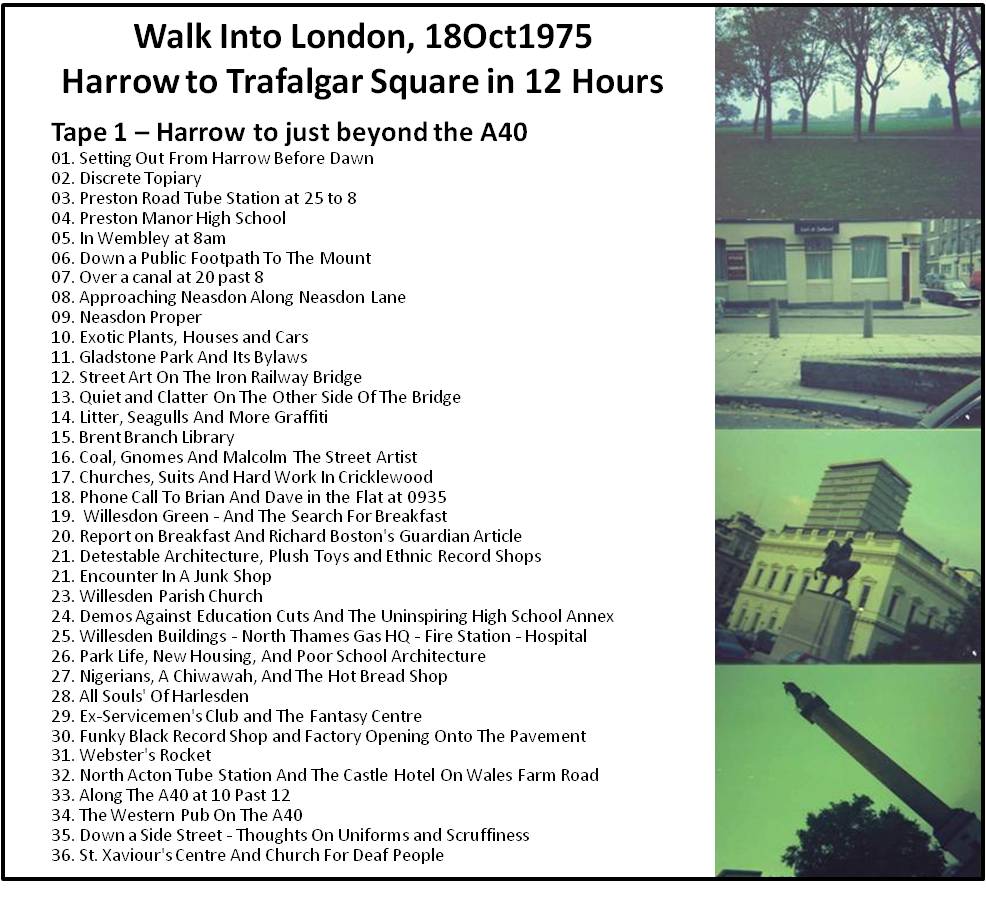
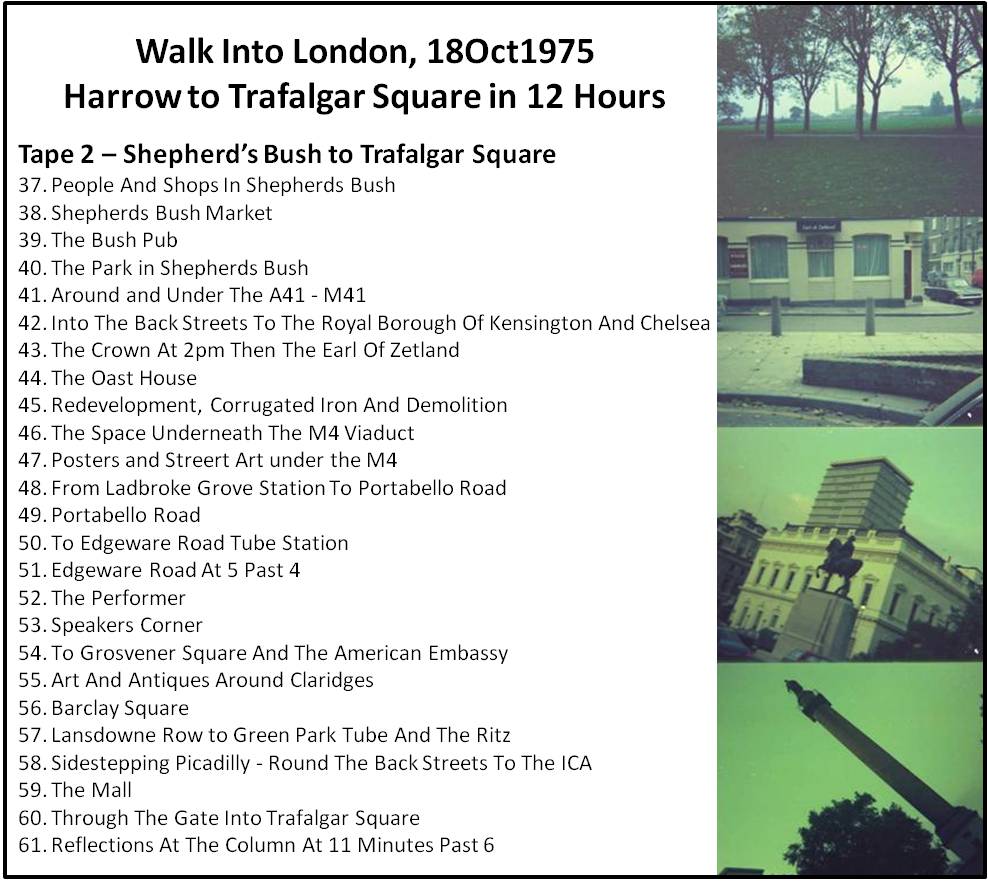
Not all books have to be in print format. If you have a collection of audio material, then it’s perfectly feasible to create an audio book. That is what I did in 2008 when I assembled the material from two cassette tapes I had recorded when walking from Harrow to Trafalgar Square in London in 1975. I used the excellent open source, free-to-use Audacity software to break the recordings into discrete sections; stored the files on a CD; and created a cover for the CD case which included some of the (very poor) photos I had taken on the way.
In the last month I’ve just undertaken a similar exercise. A friend who used to work for BBC Radio, and who knows the value of audio memoirs, had suggested that I record my ageing mother speaking about her early life at school, her experiences during World War II and in the WRENS, and the many years she spent in Singapore. I took the advice and duly recorded some 8 hours of conversation with my mother when she was in her late nineties. The recordings were made using one of the utility apps in an Apple iPhone which produced 24 very clear files in the m4a format. I decided to combine these with another 8 short files of my mother describing particular photos, which I had recorded when sorting out her photo collection back in 2012.
I wanted to accompany the audio files with a word document summarising the contents, but realised that, in order to do that, I would need to listen to each file in detail and then create a summary paragraph. That sounded like hard work, so I decided to enlist the help of transcription services to produce written versions of each audio file. I tried to find a free service but couldn’t find one that produced good transcriptions in the volumes I required. In the end I chose to subscribe to Otter-ai’s business service for one month at a cost of $30. This enabled an unlimited number of files to be downloaded to the Otter site which then produced transcriptions in three parts:
- An Overview Summary paragraph (broadly good but with the occasional error)
- An Outline in the form of separate headings containing a series of bullet points (these seemed to contain quite a lot of errors in the bullet points)
- A Detailed Transcript (pretty good at capturing almost every word, but sometimes getting the odd word wrong. The transcript was just a series of paragraphs without the identification of who was speaking each paragraph, and sometimes not splitting the paragraphs into separate speakers).
Taking Otter’s capabilities into account, I decided to edit the Detailed Transcript to get it as correct as I could and to insert the relevant speaker at the beginning of each paragraph (which was either my mother or myself). This entailed actually listening to the audio as I edited the transcript – a much easier task, I would imagine, than just listening to the audio while making notes. I also edited the Overview Summary paragraph to ensure it was correct and informative so that I could just lift that out to include in the overall summary document; and I ignored the Outline but left it intact in the transcript files. So, I ended up with the following set of materials:
- 1 overall ‘Introduction and Summaries’ Word document
- 32 audio files in m4a format
- 1 transcript Word document for each audio file
- I or more jpg image files for each of the audio files describing particular photos.
This package of material includes quite a significant element of our family’s history, so I wanted to give a copy of this audio book to each of my children in a form that would be accessible in the long term, and would stand a chance of not just getting lost. Consequently, I decided to use a USB memory stick to store the audio files on, and to box it up in a clear USB case designed to take a cover insert. I obtained both from River Solutions Group: 5 Twister Silver White USB Sticks 4GB at £2.25 each; and a pack of 10 Rivermedia Premium USB Case Clear 14mm for £8.50.
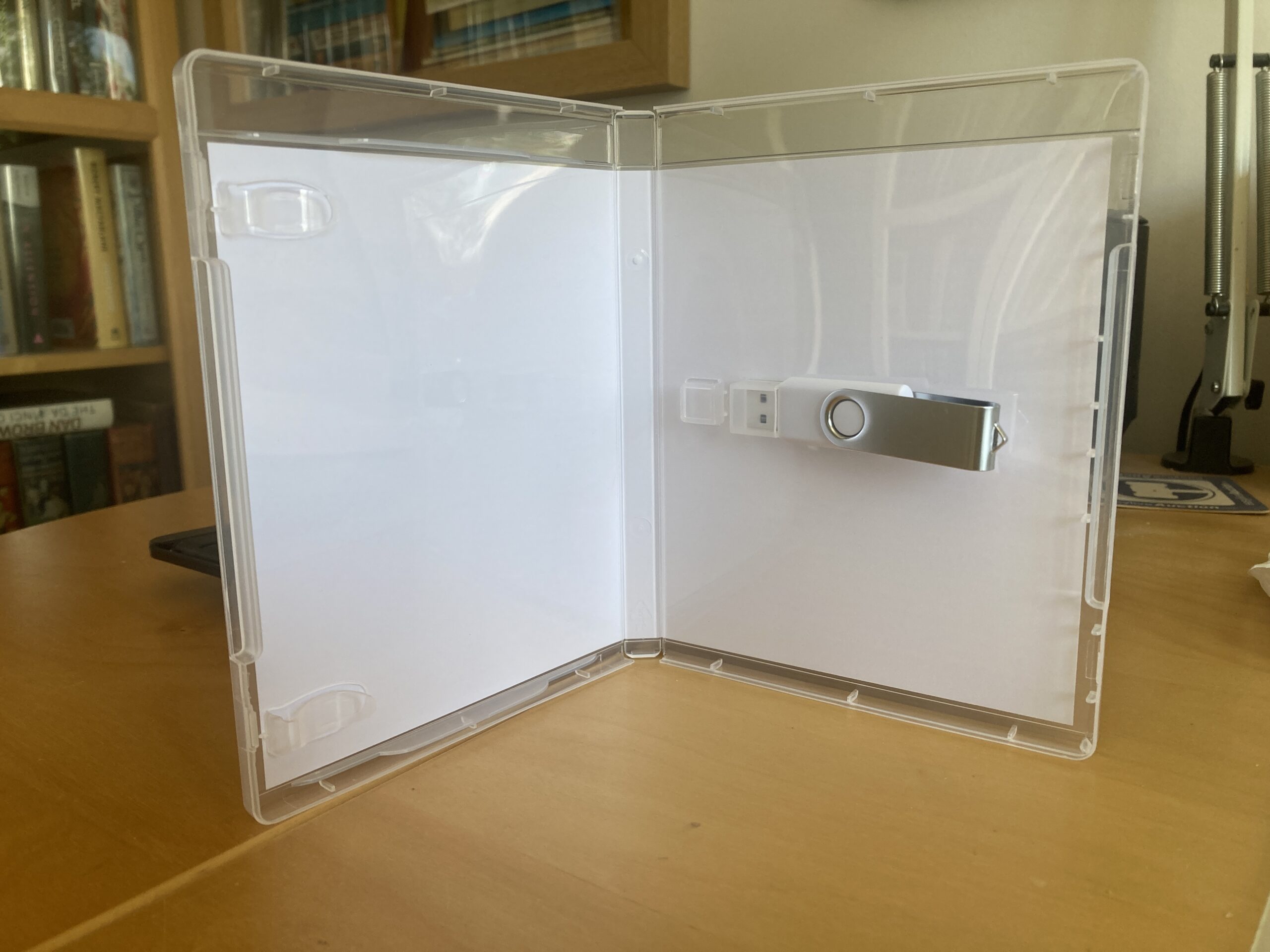
I produced the cover in PowerPoint and included on it a picture of my mother and a list of the 32 audio files headed by the ‘Introduction and Summaries’ file (10 on the front cover and 22 on the back). I’m hoping that this overall package will look significant enough to ensure its survival for a few decades at least.